Table of Contents
Welcome
This is a template wiki with examples of how to do the most common things using the Wiki syntax. Edit the wiki as you like to customize it for your gaming group.
Important Pages
The “start” page is the default homepage for your wiki. Start
The “sidebar” page controls what appears in your theme's sidebar area. Sidebar
Creating a Page
To create a new page you can link to it like this King. The left side of the link is the pagename and the right side is how it is displayed to the user on the page. At first the link will appear red showing that the page does not exist yet. Click it and create the page, then the link will turn blue. You can also create new pages by searching for a term.
Page Linking Format
[[pagename|displayname]]
Display Images
Upload and display images in your wiki!

Image Galleries
Add image galleries to your wiki pages.
Relationship Charts
Easily generate relationship flow charts using a simple intuitive syntax.
Image Maps
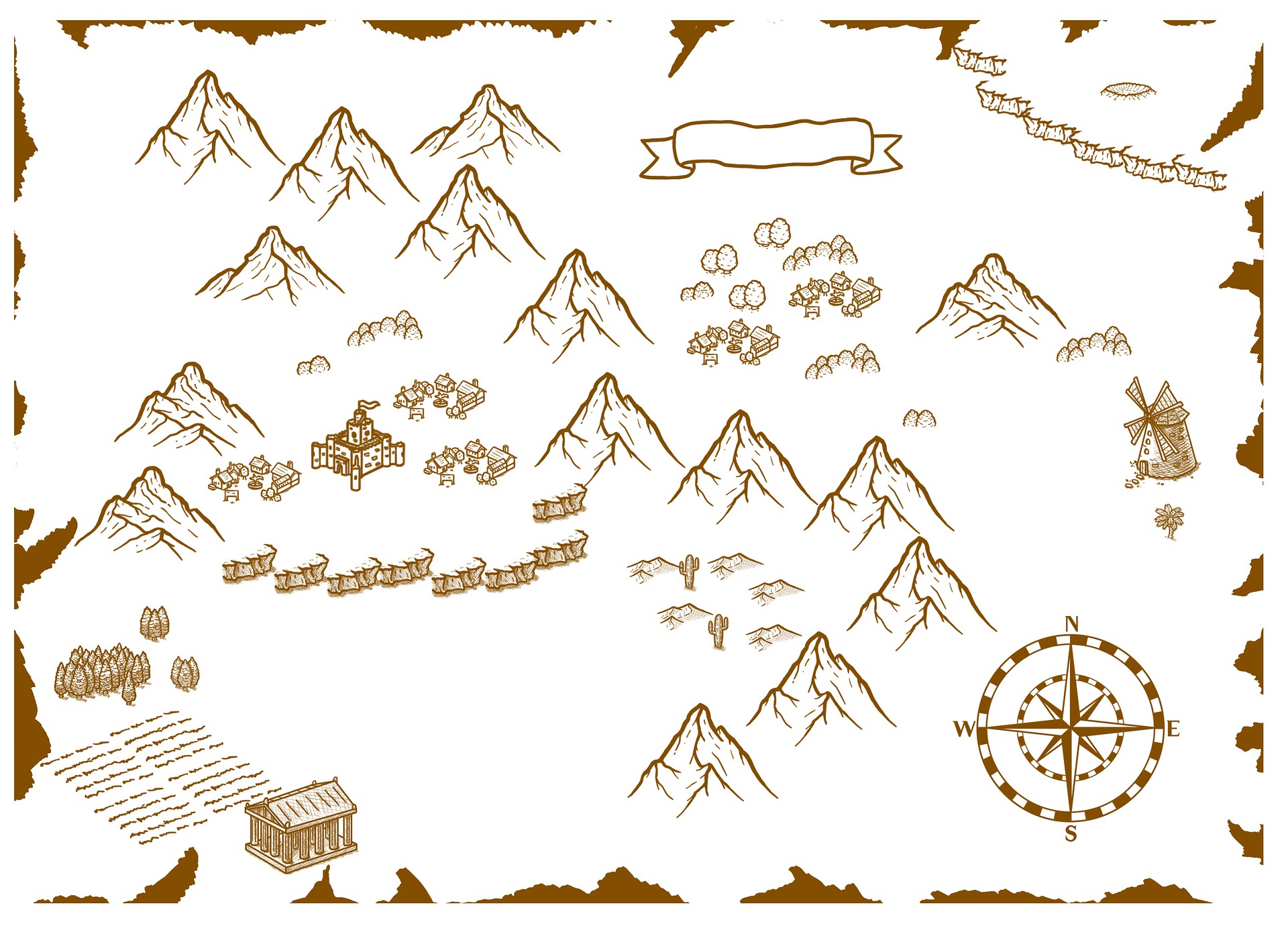
Easily create image maps with clickable areas that link to wiki pages. Try clicking on the castle in the map below.